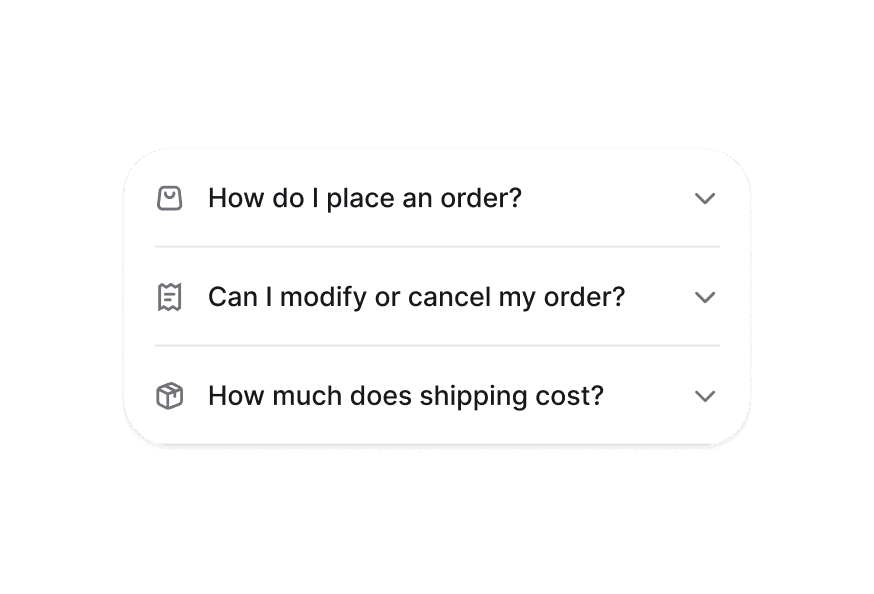
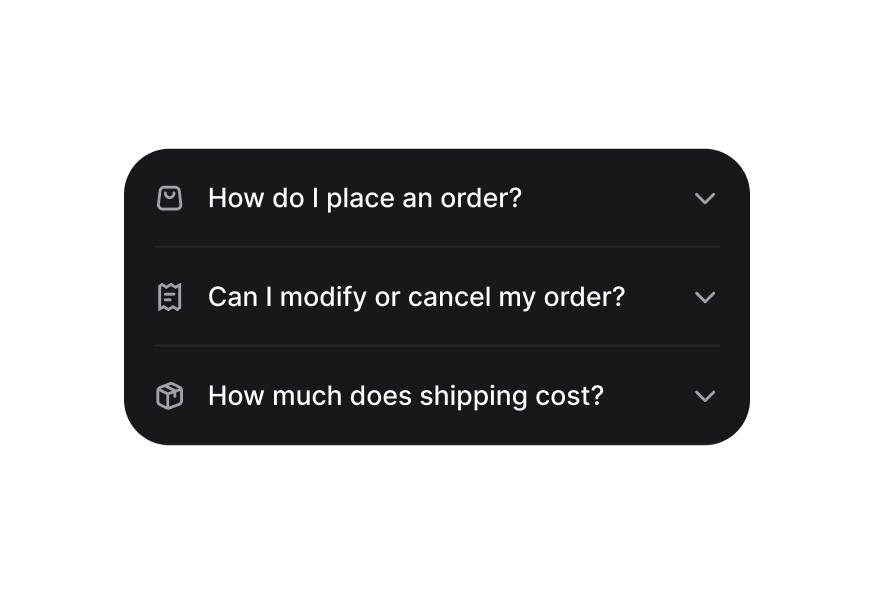
DisclosureGroup
Container that manages multiple Disclosure items with coordinated expanded states
Import
import {DisclosureGroup} from '@heroui/react';Usage
Scan this QR code with your camera app to preview the HeroUI native components.

Expo must be installed on your device.
"use client";

import {QrCode} from "@gravity-ui/icons";
import {Button, Disclosure, DisclosureGroup, Separator} from "@heroui/react";
import {Icon} from "@iconify/react";Anatomy
Import all parts and piece them together.
import {DisclosureGroup, Disclosure} from '@heroui/react';

export default () => (
  <DisclosureGroup>
    <Disclosure id="item1">
      <Disclosure.Heading>
        <Disclosure.Trigger>
          <Disclosure.Indicator />
        </Disclosure.Trigger>
      </Disclosure.Heading>
      <Disclosure.Content />
    </Disclosure>
  </DisclosureGroup>
)
Controlled
You can control which disclosures are expanded with external navigation controls using the expandedKeys and onExpandedChange props.
HeroUI Native
Scan this QR code with your camera app to preview the HeroUI native components.
Expo must be installed on your device.
"use client";

import {ChevronDown, ChevronUp, QrCode} from "@gravity-ui/icons";
import {
Button,Styling
Passing Tailwind CSS classes
import {
  DisclosureGroup,
  Disclosure,
  DisclosureTrigger,
  DisclosurePanel
} from '@heroui/react';

function CustomDisclosureGroup() {
  return (
    <DisclosureGroup className="border rounded-lg p-4 space-y-2">
      <Disclosure id="first" className="border-b pb-2">
        <DisclosureTrigger>Item 1</DisclosureTrigger>
        <DisclosurePanel>Content 1</DisclosurePanel>
      </Disclosure>
      <Disclosure id="second">
        <DisclosureTrigger>Item 2</DisclosureTrigger>
        <DisclosurePanel>Content 2</DisclosurePanel>
      </Disclosure>
    </DisclosureGroup>
  );
}
Customizing the component classes
To customize the DisclosureGroup component classes, you can use the @layer components directive.
Learn more.
@layer components {
  .disclosure-group {
    @apply w-full;

    /* Performance optimization */
    contain: layout style;
  }
}
HeroUI follows the BEM methodology to ensure component variants and states are reusable and easy to customize.
CSS Classes
The DisclosureGroup component uses these CSS classes (View source styles):
Base Classes
.disclosure-group- Base container styles with layout containment
Interactive States
The component supports both CSS pseudo-classes and data attributes for flexibility:
- Disabled:
:disabledor[aria-disabled="true"]on entire group - Expanded Management: Automatically manages
[data-expanded]states on child Disclosure items
API Reference
DisclosureGroup Props
| Prop | Type | Default | Description |
|---|---|---|---|
expandedKeys | Set<Key> | - | The currently expanded items (controlled) |
defaultExpandedKeys | Iterable<Key> | - | The initially expanded items (uncontrolled) |
onExpandedChange | (keys: Set<Key>) => void | - | Handler called when expanded items change |
allowsMultipleExpanded | boolean | false | Whether multiple items can be expanded simultaneously |
isDisabled | boolean | false | Whether all disclosures in the group are disabled |
children | ReactNode | RenderFunction | - | Disclosure items to render |
className | string | - | Additional CSS classes |
RenderProps
When using the render prop pattern, these values are provided:
| Prop | Type | Description |
|---|---|---|
expandedKeys | Set<Key> | Currently expanded item keys |
isDisabled | boolean | Whether the group is disabled |