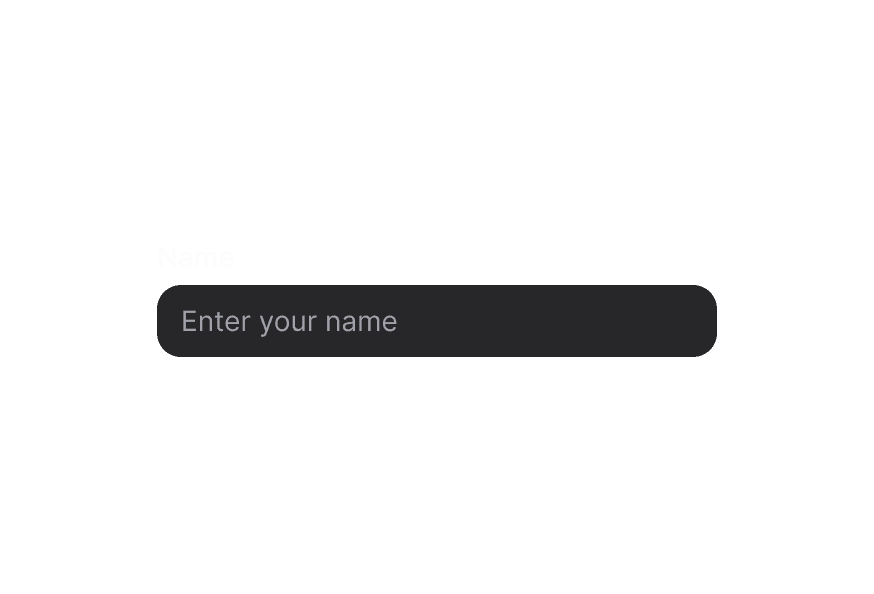
TextAreaUpdated
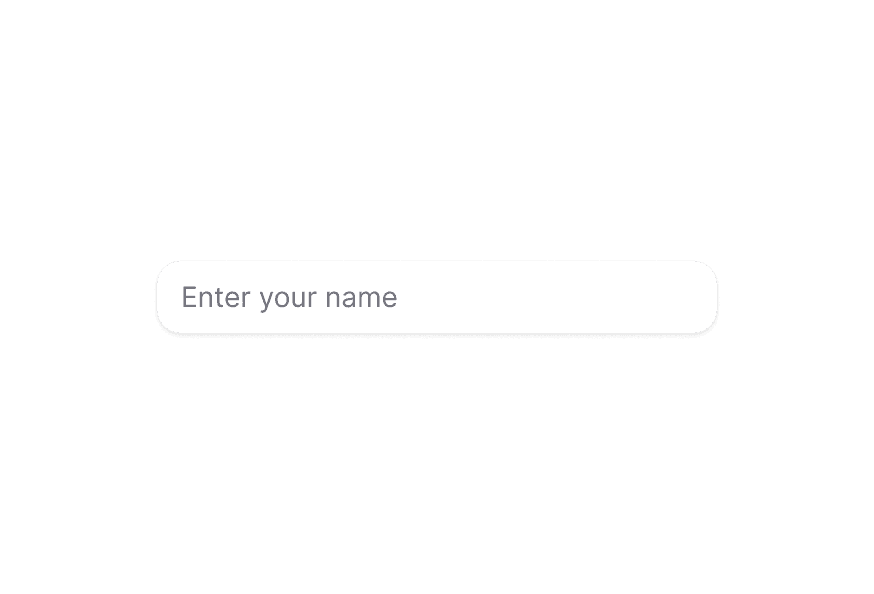
Primitive multiline text input component that accepts standard HTML attributes
Import
import { TextArea } from '@heroui/react';For validation, labels, and error messages, see TextField.
Usage
import {TextArea} from "@heroui/react";

export function Basic() {
  return (
<TextAreaControlled
Characters: 0 / 280
"use client";

import {Description, TextArea} from "@heroui/react";
import React from "react";
Rows and Resizing
import {Label, TextArea} from "@heroui/react";

export function Rows() {
  return (
<div className="flex w-96 flex-col gap-4">Full Width
import {TextArea} from "@heroui/react";

export function FullWidth() {
  return (
    <div className="w-[400px] space-y-3">
      <TextArea fullWidth placeholder="Full width textarea" />
    </div>
  );
}On Surface
When used inside a Surface component, TextArea automatically applies on-surface styling.
import {Surface, TextArea} from "@heroui/react";

export function OnSurface() {
  return (
    <Surface className="w-full rounded-3xl p-6">
      <TextArea className="w-full min-w-[280px]" placeholder="Describe your product" />
    </Surface>
  );
}Styling
Passing Tailwind CSS classes
import {Label, TextArea} from '@heroui/react';

function CustomTextArea() {
  return (
    <div className="flex flex-col gap-2">
      <Label htmlFor="custom-textarea">Message</Label>
      <TextArea
        id="custom-textarea"
        className="rounded-xl border border-border/70 bgsurface px-4 py-3 text-sm leading-6 shadow-sm"
        placeholder="Let us know how we can help..."
        rows={5}
        style={{resize: "vertical"}}
      />
    </div>
  );
}
Customizing the component classes
Override the shared .textarea class once with Tailwind's @layer components.
@layer components {
  .textarea {
    @apply rounded-xl border border-border bgsurface px-4 py-3 text-sm leading-6 shadow-sm;

    &:hover,
    &[data-hovered="true"] {
      @apply bg-surface-secondary border-border/80;
    }

    &:focus-visible,
    &[data-focus-visible="true"] {
      @apply border-primary ring-2 ring-primary/20;
    }

    &[data-invalid="true"] {
      @apply border-danger bg-danger-50/10 text-danger;
    }
  }
}
CSS Classes
.textarea– Underlying<textarea>element styling
Interactive States
- Hover:
:hoveror[data-hovered="true"] - Focus Visible:
:focus-visibleor[data-focus-visible="true"] - Invalid:
[data-invalid="true"] - Disabled:
:disabledor[aria-disabled="true"]
API Reference
TextArea Props
TextArea accepts all standard HTML <textarea> attributes plus the following:
| Prop | Type | Default | Description |
|---|---|---|---|
className | string | - | Tailwind classes merged with the base styles. |
rows | number | 3 | Number of visible text lines. |
cols | number | - | Visible width of the text control. |
value | string | - | Controlled value for the textarea. |
defaultValue | string | - | Initial uncontrolled value. |
onChange | (event: React.ChangeEvent<HTMLTextAreaElement>) => void | - | Change handler. |
placeholder | string | - | Placeholder text. |
disabled | boolean | false | Disables the textarea. |
readOnly | boolean | false | Makes the textarea read-only. |
required | boolean | false | Marks the textarea as required. |
name | string | - | Name for form submission. |
autoComplete | string | - | Autocomplete hint for the browser. |
maxLength | number | - | Maximum number of characters. |
minLength | number | - | Minimum number of characters. |
wrap | 'soft' | 'hard' | - | How text wraps when submitted. |
fullWidth | boolean | false | Whether the textarea should take full width of its container |
isOnSurface | boolean | false | Whether the textarea is displayed on a surface (affects styling) |
For validation props like
isInvalid,isRequired, and error handling, use TextField with TextArea as a child component.